Paynow for Gravity Forms
Prerequisites
Installation
- Download and install the Paynow for Gravity Forms plugin just like any other WordPress plugin. Go to
Dashboard > Plugins > Add New > Upload Plugin - Navigate to the Plugins page and activate the plugin.
Configuration
- Once installed and activated, navigate to the Gravity Forms settings page via
Forms > Settingsand then to thePaynowtab. - On the Paynow settings page enter your Integration ID and Integration Key into the
Merchant IDandMerchant Keyinput fields respectively. - Click Update Settings and create your form with the necessary Pricing Fields and Paynow Feed settings.
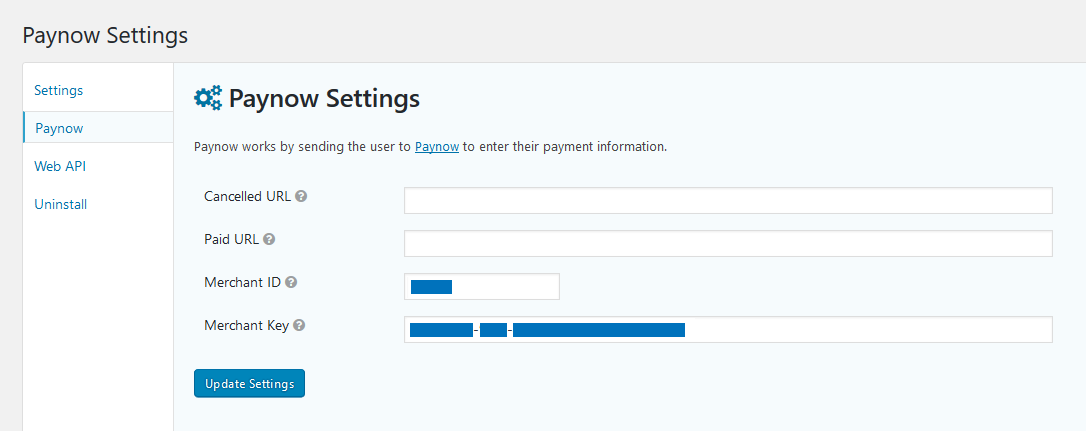 Paynow for WooCommerce Settings
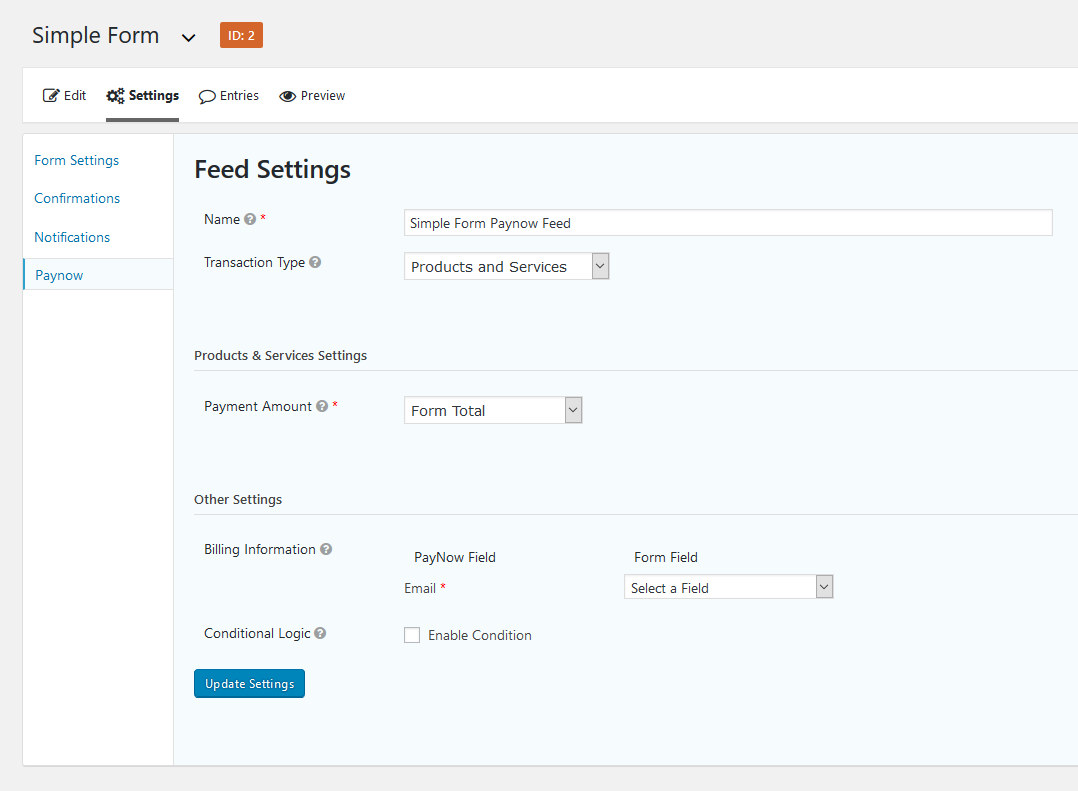 Paynow Feed settings